Enterprise UI Design for BlueDolphin
Project for: BlueDolphin SAAS Tool
A collection of UI designs created for BlueDolphin, an enterprise SaaS platform used by CIOs and enterprise architects to manage business transformation and complex system landscapes.
These screens showcase how highly technical workflows, system relationships, and data-heavy structures were translated into clear and usable interfaces.
My Role: I led the UX and UI design of BlueDolphin, shaping complex enterprise workflows and system relationships into usable product experiences.
I worked closely with engineers and stakeholders to turn highly technical requirements into intuitive interfaces while maintaining clarity, scalability, and usability.
Tool: Sketch
What This Work Demonstrates
- Designing for highly technical users (enterprise architects, CIOs)
- Translating complex system relationships into usable interfaces
- Structuring large-scale data and dependencies
- Supporting decision-making through a clear visual hierarchy
- Handling complex workflows within a single product environment
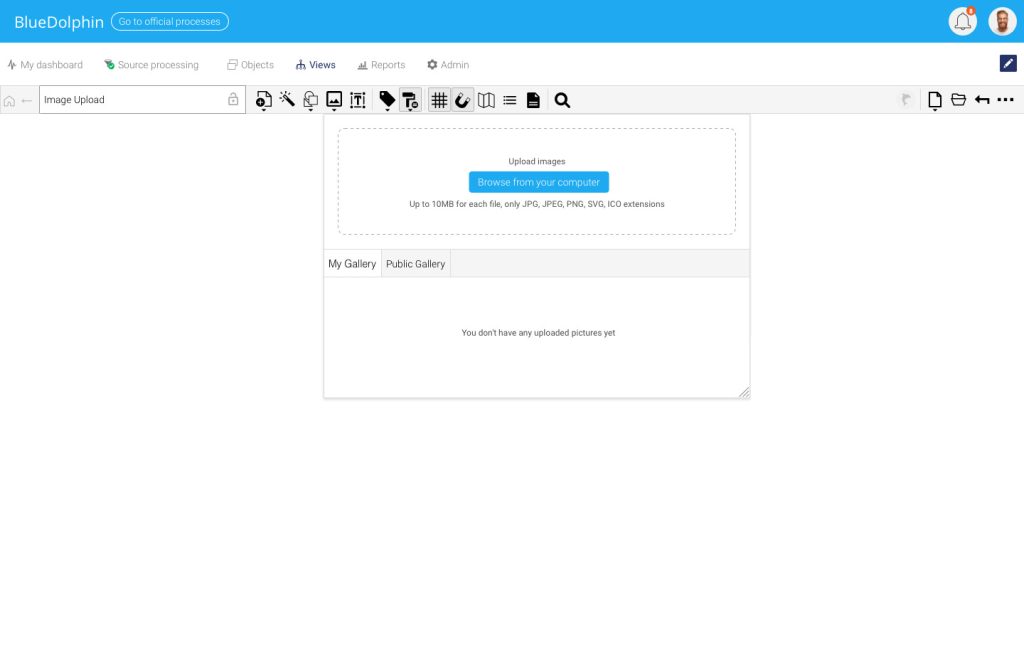
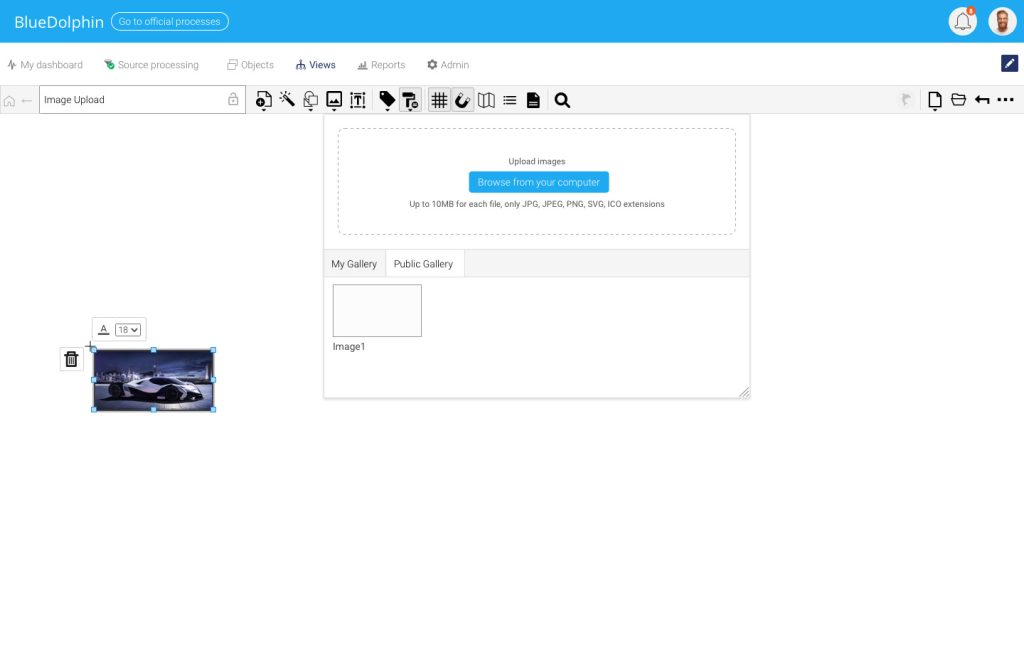
Image Upload
An image upload panel designed for adding external visuals directly into the BlueDolphin canvas, with file type guidance and gallery separation.
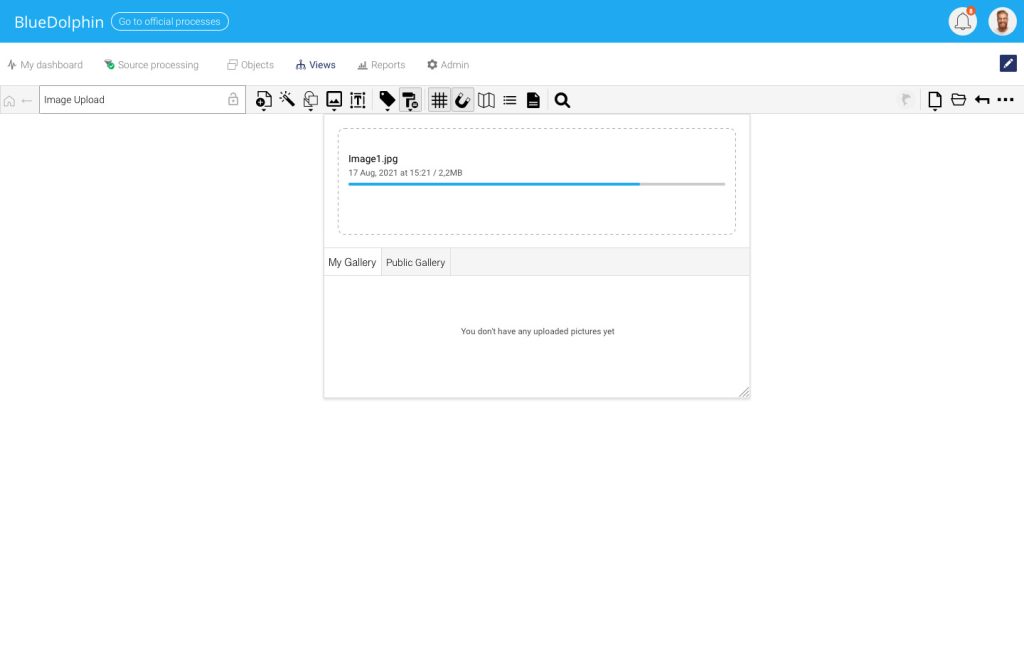
A loading state showing upload progress, file name, date, and file size while keeping the user inside the same workspace.
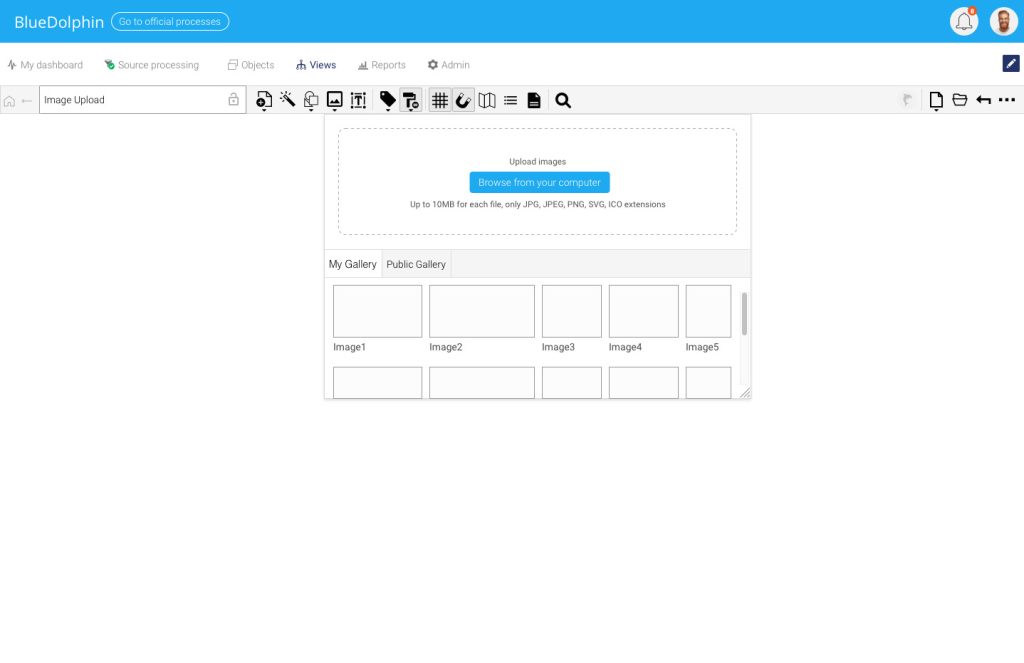
A gallery view for browsing uploaded images, making reusable visuals accessible from the same upload panel.
An inserted image state showing how users can place, resize, and manage uploaded visuals directly on the canvas.
Zoom Feature
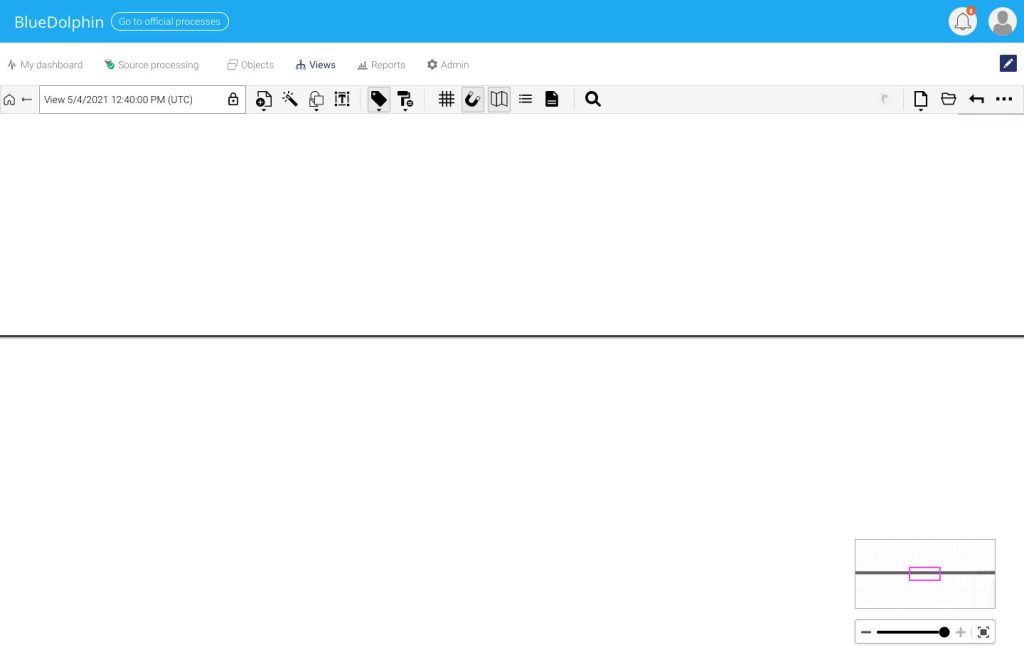
A canvas zoom control with a mini map, designed to help users navigate large architecture views without losing orientation.
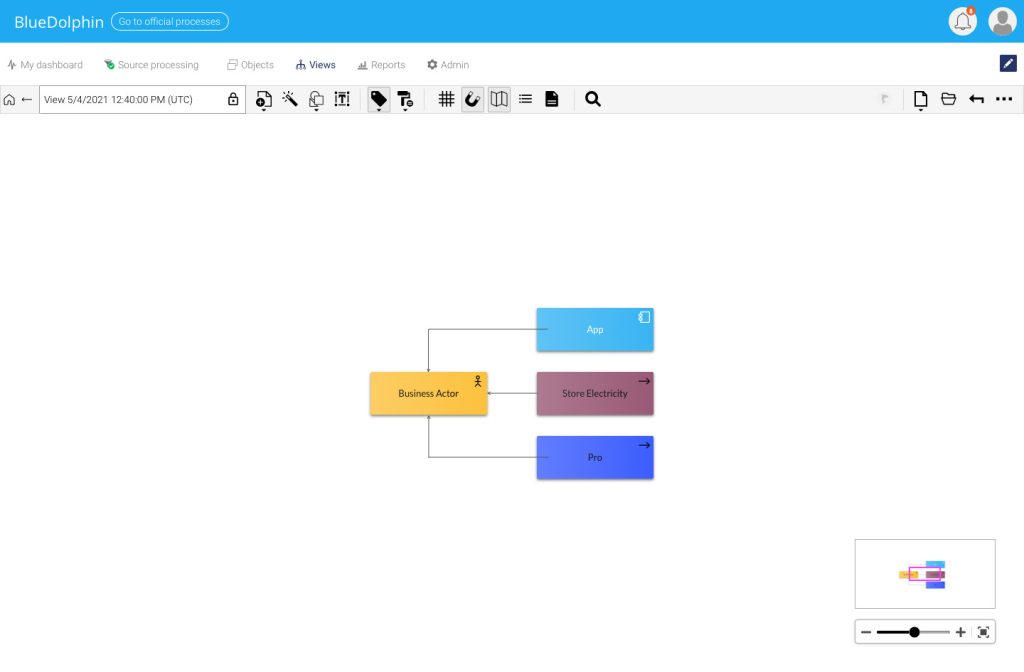
A closer zoom state showing how users can inspect connected objects while still keeping the overall view visible in the mini map.
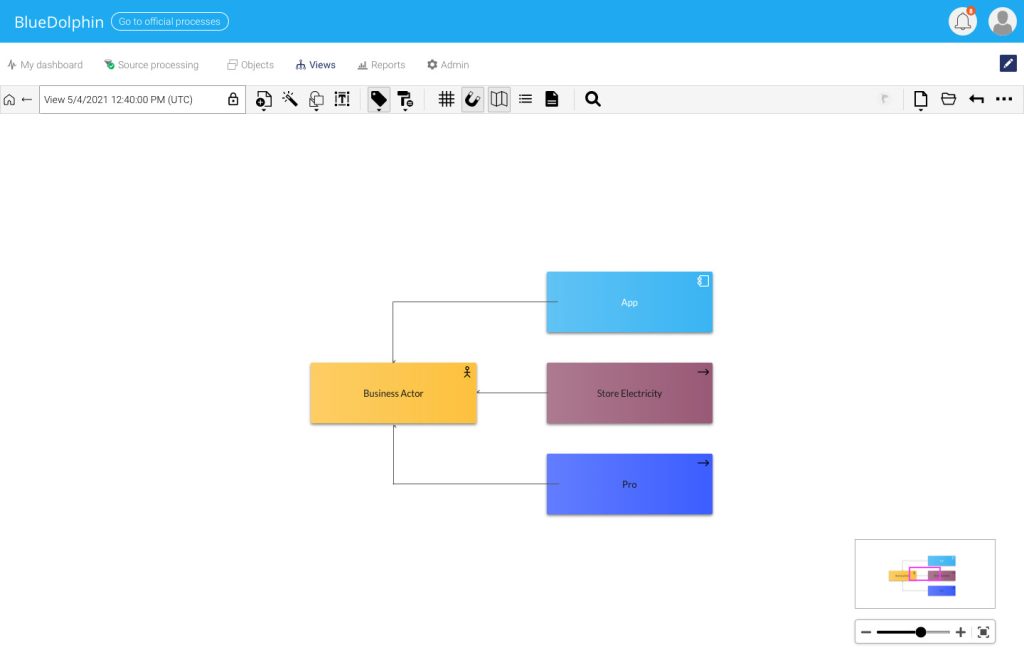
A zoomed-out state designed to help users quickly understand the full structure and object relationships on the canvas.
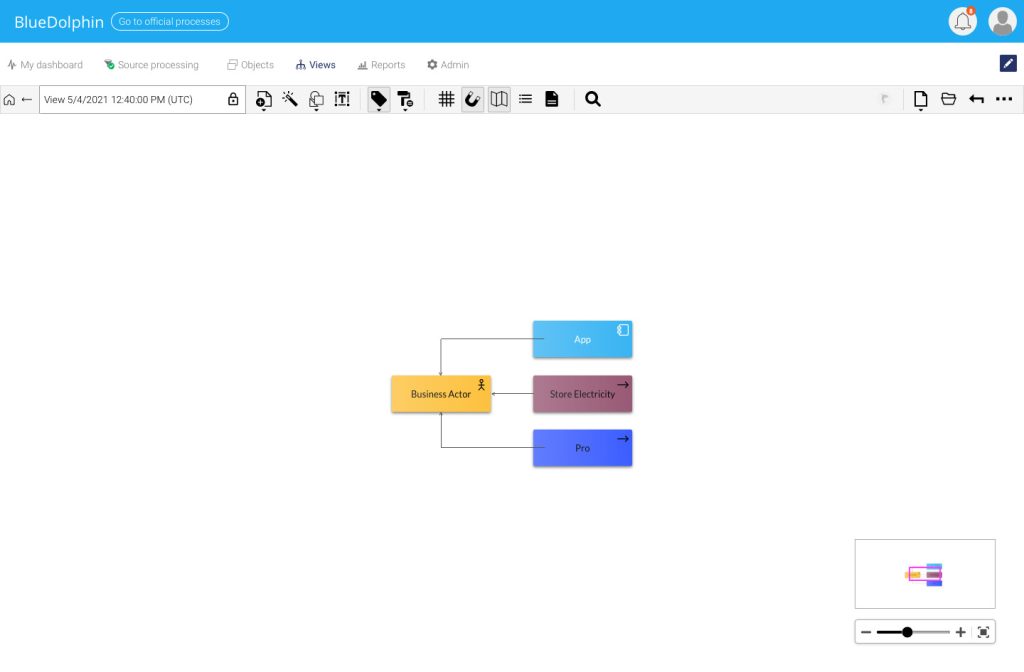
An extreme zoomed-in state showing how the mini map keeps navigation possible even when the main canvas is focused on a small area.
Other Designs
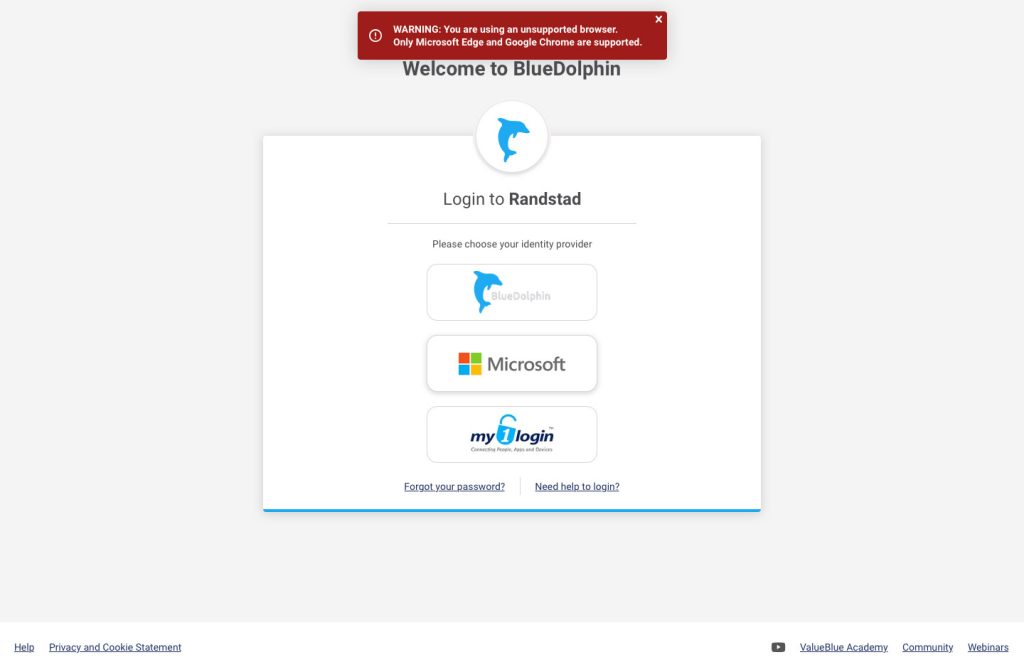
A login screen with identity provider selection and unsupported browser feedback, designed to guide users before they enter the product.
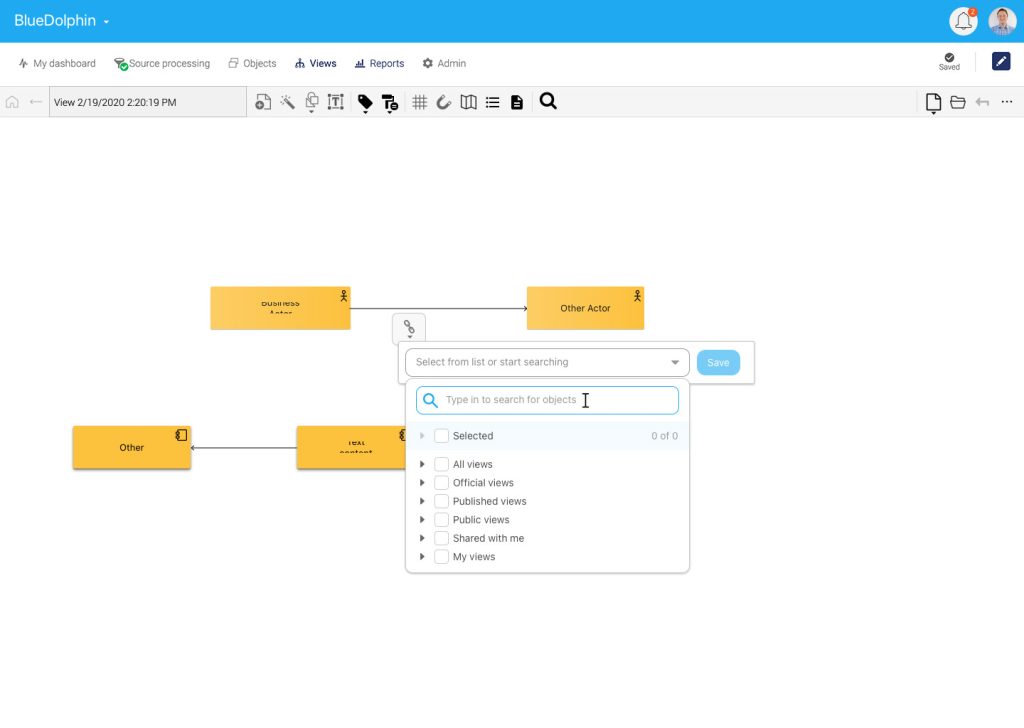
A relationship editing interaction that allows users to connect objects and select the right target from searchable view categories.
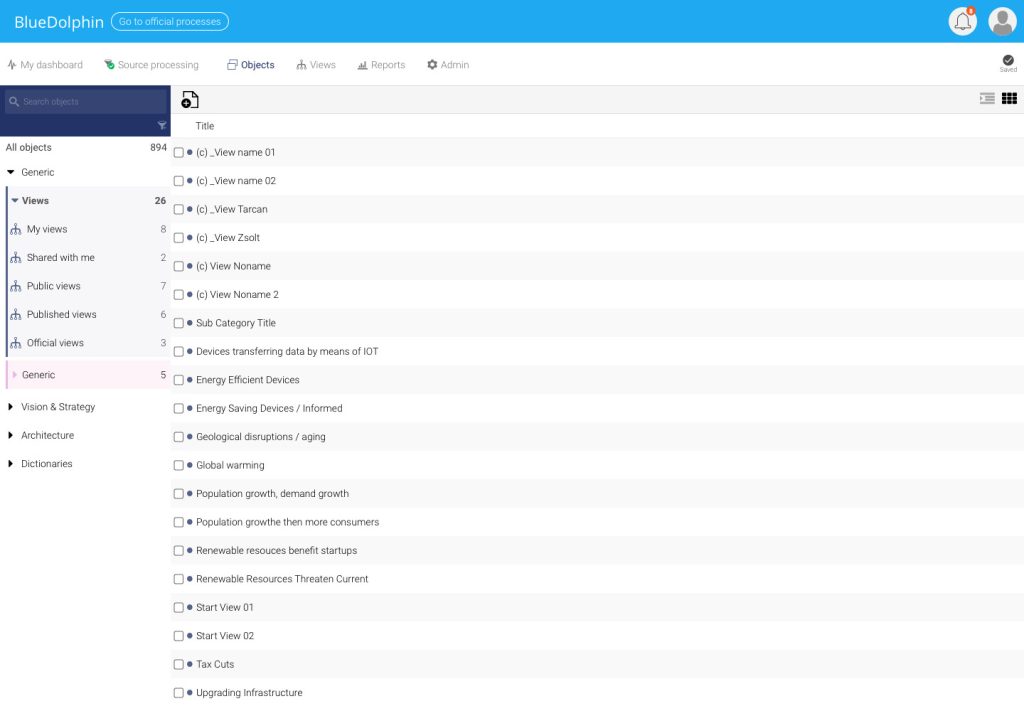
An object library view with category navigation, counts, filtering, and list/grid switching for managing large sets of objects.
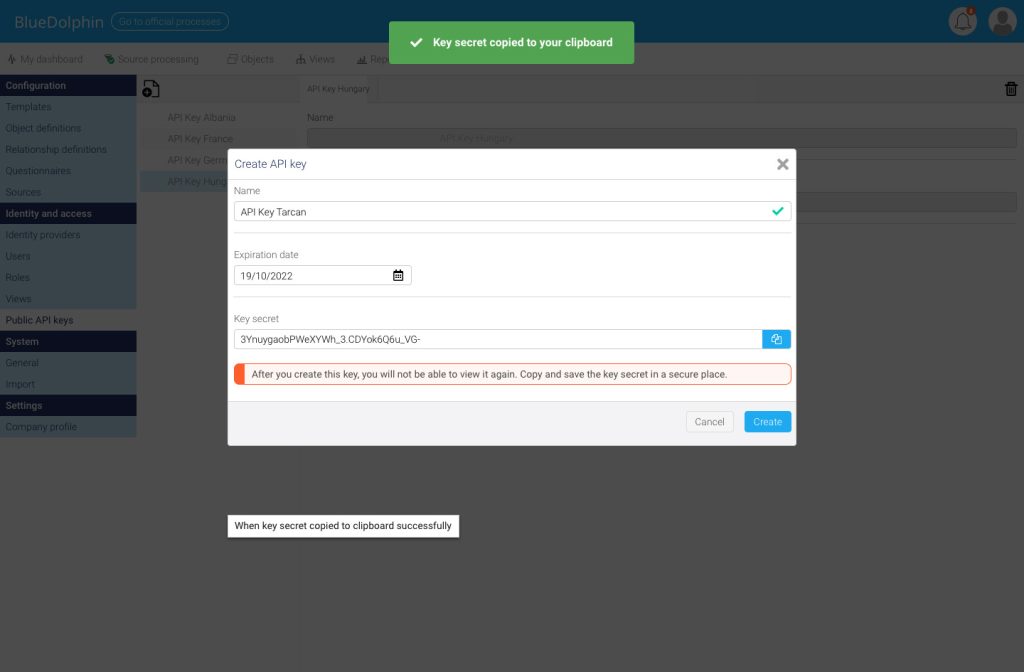
An API key creation modal showing validation, expiration date input, secure key handling, copy action, and success feedback.
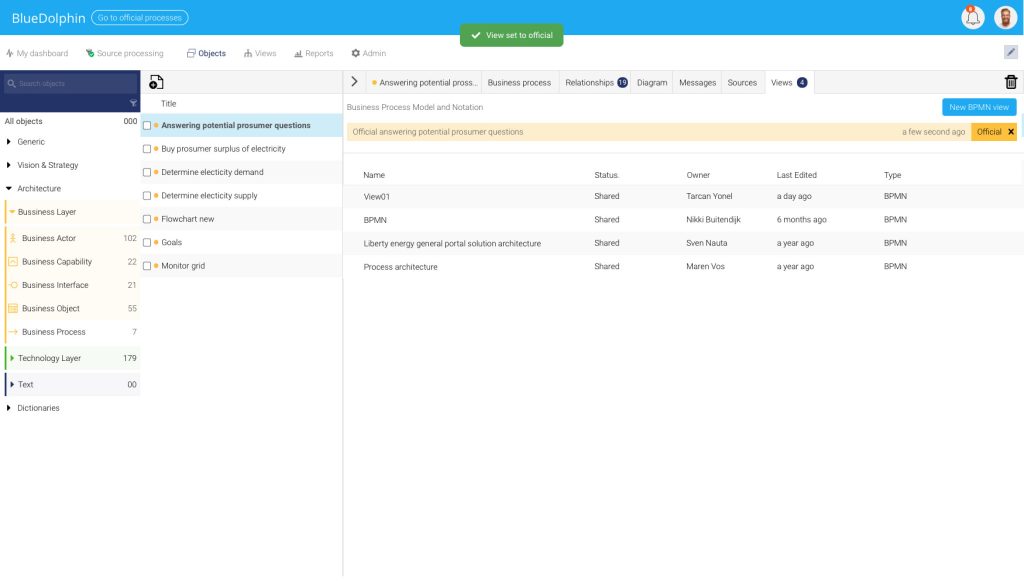
An object detail workspace combining object lists, relationship tabs, diagram access, messages, sources, views, and status feedback.
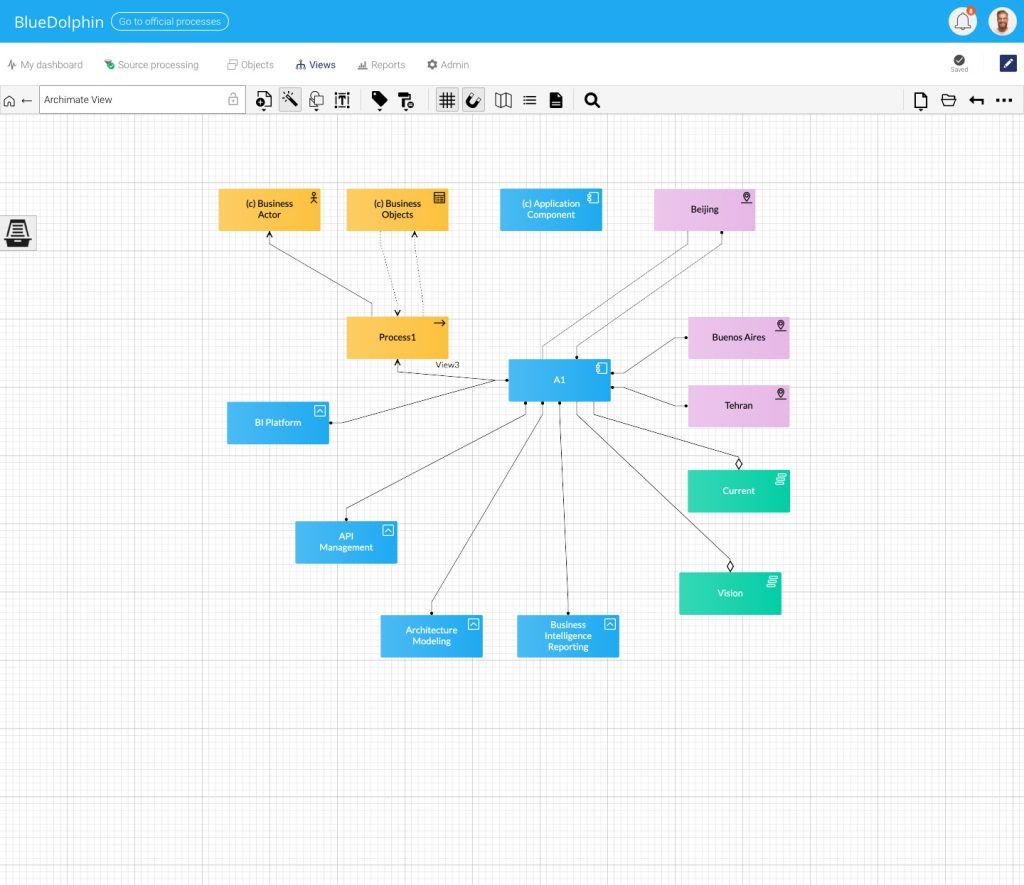
An ArchiMate canvas view showing connected business, application, technology, location, and vision objects inside a structured modeling space.
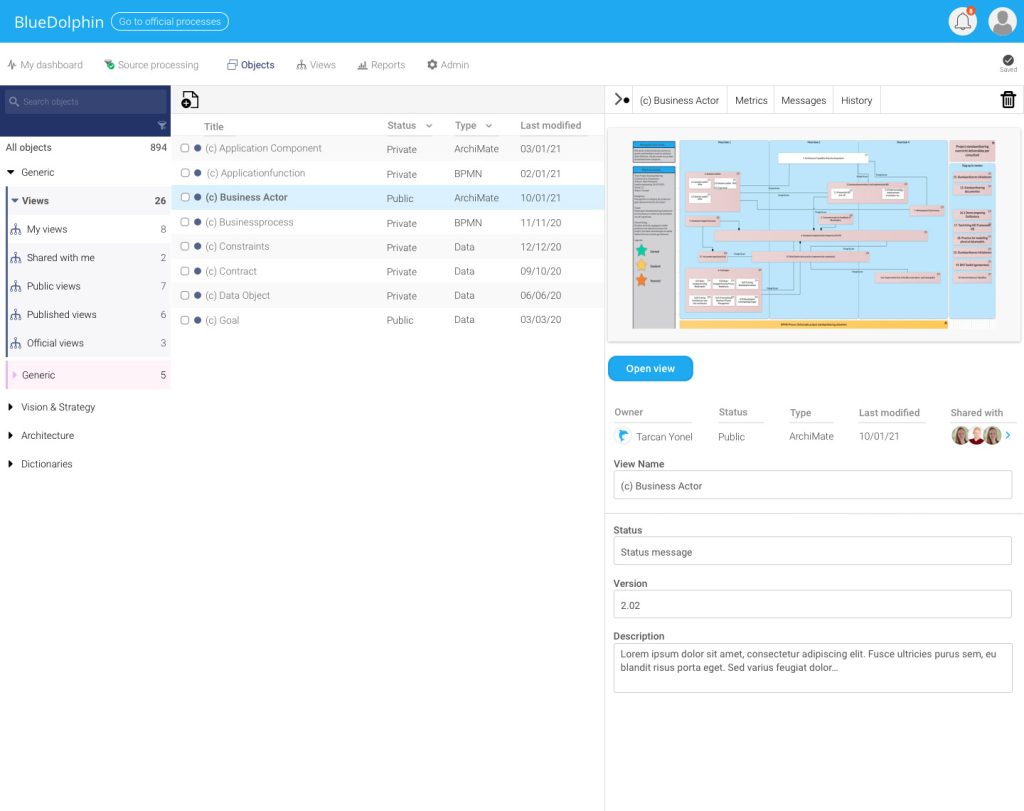
A split view layout combining an object list with a detailed preview panel, metadata fields, ownership, sharing, and editable descriptions.